Showing posts with label rachel andrew. Show all posts

Friday, August 04, 2006

A Little Light Reading

If you're thinking of dipping your toes into the standards compliance/css development pond (come on in, the water's fine!), and you aren't able to afford some of the swanky courses available out there, a good alternative is to read some books by well-respected practitioners in the field, at least to get you started.

Here's a small selection which I've read recently, and have found to be extremely useful. I'll try to add to the list on an ongoing basis, so you might like to come back and check it again later.

I no particular order (other than the order I've read them in!):


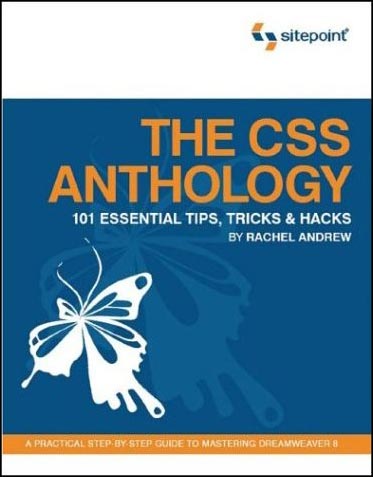
  • The CSS Anthology
    - Rachel Andrew, pub Sitepoint
    Excellent all-round introduction to using stylesheets for layout and positioning, with practical real-world examples. Good for people relatively new to CSS - I knew how to change fonts etc but was pretty green regarding CSS for layout until I'd read this and digested it thorougly.

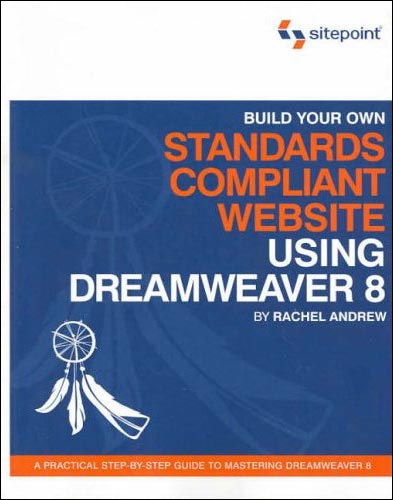
  • Build Your Own Standards Compliant Website Using Dreamweaver 8 - Rachel Andrew, Sitepoint
    Invaluable for pointers on getting the most out of Dreamweaver 8 and making sure your code validates nicely, is properly semantic and doesn't suffer from coad bloat. Good chapter on layout of forms without tables.

  • Dreamweaver 8 Unleashed - Zak Ruvalcaba, SAMS
    A big, thick wedge of a book (I've actually read most of it but not quite all yet). Excellent advice on using Dreamweaver for dynamic projects. Gives code and method examples for ASP, ASP.NET and PHP server models, which is great as some books limit themselves to one flavour. I currently do most of my dynamic projects with ASP.NET, but in future I'll be getting to grips with some PHP too, so it's great not to have to buy another book right from the start.

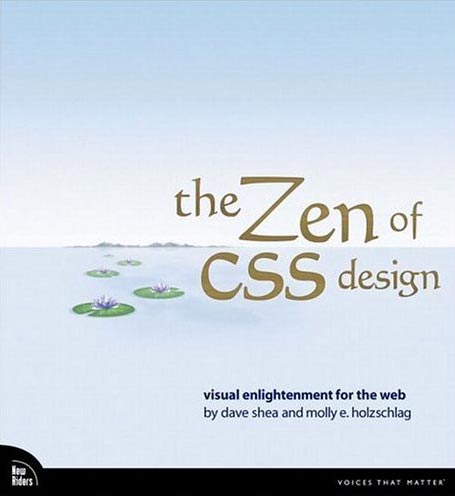
  • The Zen of CSS Design
    - Dave Shea & Molly E. Holzschlag, New Riders
    The book of the website. Dave and Molly take a few of the excellent examples from the CSS Zen Garden site, and deconstruct them, with explanations about each technique explained along with copious screenshots (full colour). Yes, you can look at the site directly and try and work out what the stylesheets are doing, but that's pretty hard if you are a novice, and these succinct explanations are a great help in developing your understanding of how to apply the theory to real-world examples.
  • DOM Scripting (Web Design with JavaScript and the Document Object Model) - Jeremy Keith, Friends of ED
    A great introduction to the scary world of JavaScript for anyone who is thinking about delving into unobtrusive JavaScript which can add progressive enhancements to your site, whilst degrading gracefully if a browser does not support JavaScript (or has it turned off).

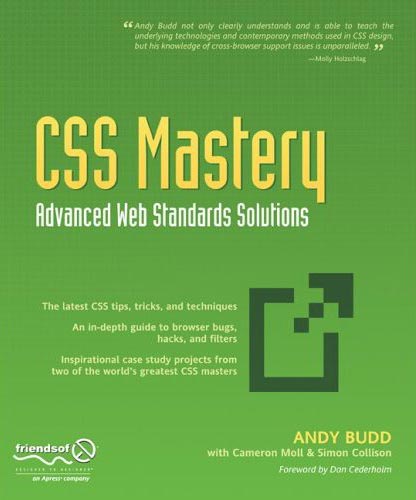
  • CSS Mastery, Advanced Web Standards Solutions - Andy Budd, Friends of ED
    Definitely not for beginners, but takes the examples and techniques to the next level for people who have some experience with coding standards-compliant (X)HTML/CSS. Two chapters at the end, written by Cameron Moll and Simon Collison, bring together lots of the techniques described earlier in the design of two case studies.
That's it for now, although I have a big fat PHP book sitting on the pile to read. I'll add more when I've had time to digest that.

Friday, June 16, 2006

@media, Strategic CSS Management

Panel with Roger Johansson, Rachel Andrew and Dave Shea.

Always use basic vanilla CSS and HTML files as your starting point for any project. Then work on repurposing this to suit your bespoke application. This gives you a basic framework on which to build each time. Ref: undohtml.css (google for it or go to the end of this page) zaps all of the default browser formatting. Tantek developed it. Use to copy and paste into all new projects.

Next, stuff in the markup and some greeked content and validate

How to break up multiple CSS files
Several ways to do it, including:

  • by typography, colours, layout (clear:left does this I think)
  • Rachel puts most of her css in one file and pulls out the hacks into a separate one.
  • Divide the sheet up with comments when its more complex.
  • If its a very big sheet - put a Table of Contents at the top with these sort of comments /* page:=Header */ - as CTL-F will find "=name" very easily (equals not otherwise used in the CSS markup so you won't end up with spurious finds).
  • Dave breaks it up into sections: global nav; sidebar nav; basic html; then will use a separate file for a specific section such as the shopping cart function - he finds it easier to find things again afterwards.
  • List colours @ top of stylesheet in a comment - that way its much easier to do a global search and replace if needed.
One problem arises when you edit a stylesheet - you might rid the markup of a div, but rarely do you then weed out the associated css in the stylsheet - so it can end up rather bloated with old stuff you're no longer using. Try and use some sort of methodology to see if you can rid yourself of the extras.

Using Dreamweaver & Contribute in a collaborative environment
Some partcipants have DW and Contribute, and break the CSS up so that the typography is in one sheet which the dumb users can see - Contribute users will be able to apply these styles when choosing from their CMS, and so won't apply a page structure style to something that would blow up. The human factor has to come into play - there's no right or wrong way - you may choose to have one stylesheet for a small site, but split it up for a CMS-driven one.

COMMENT the CSS so you know what's what - its boring but very necessary when you come back (or someone else does) six months later and you can't remember what you did! Dave also finds it useful to comment the markup with div ends such as as you're not always sure which is the closing </div> tag (felt smug as I've already started to do that!).
  • ALWAYS ALWAYS comment Hacks so you remember why they're there. Useful to include the download/explanation URL in there too, for your future reference.
  • IF you use comments to break up the CSS, use lots of TABs to shift them over to the RHS - they are much easier to scan for quickly that way.
  • If you are a large team, comment the CSS with your name and the date when you make changes
Class/id Naming Conventions
Stick to a scheme, be consistent across projects so you are not left looking for something months later (also stems from using one vanilla template to seed each project). Use names such as .sidebar, #navigation, .menu ie keep the name structural rather than related to how it looks. If there were rigid or ideal naming conventions, it would be great for accessibility as users could then more easily override a given style on a page - but that's Utopia, it ain't gonna happen.

You can (if you're clever) use Server-side scripting to change styles on the fly, but none of the panel had much experience of that.

Code Order
Within your CSS, try and be structural about your layout order - start with wrapper, header, then the rest.
Pick an order that makes sense for global sheets, or global, generic then section-specific.
Within a rule, try and stick to a set order for properties (its just good organisation, doesn't make any difference); position, float, colour, text align etc.
Specifity- when using rules which override previous ones directly, try and put them near each other, if possible, so you're not hunting all over the stylesheet. - you can still see the styles which will override the properties.
Or group by elements - H1, H2,... Li...<a href> etc.

Tools
Text editors are OK! Or Topstyle, Firefox Web Developer toolbar (switch sheets on and off stupidly easily) .
Testing
Browsercam - its just like having multiple boxes running different browsers (VM ware?)